Make real projects
Practice with avatar explainers, cinematic prompts, AI ads, product clips, hooks, storyboards, and edits.
Join the Skool community for practical AI video lessons, feedback, HeyGen, Higgsfield, prompts, editing, and monetization workflows.
$ ai-video-club start
✓ Pick your creator lane
✓ Build your first AI video
✓ Get feedback from the room
✓ Package it into a paid offer
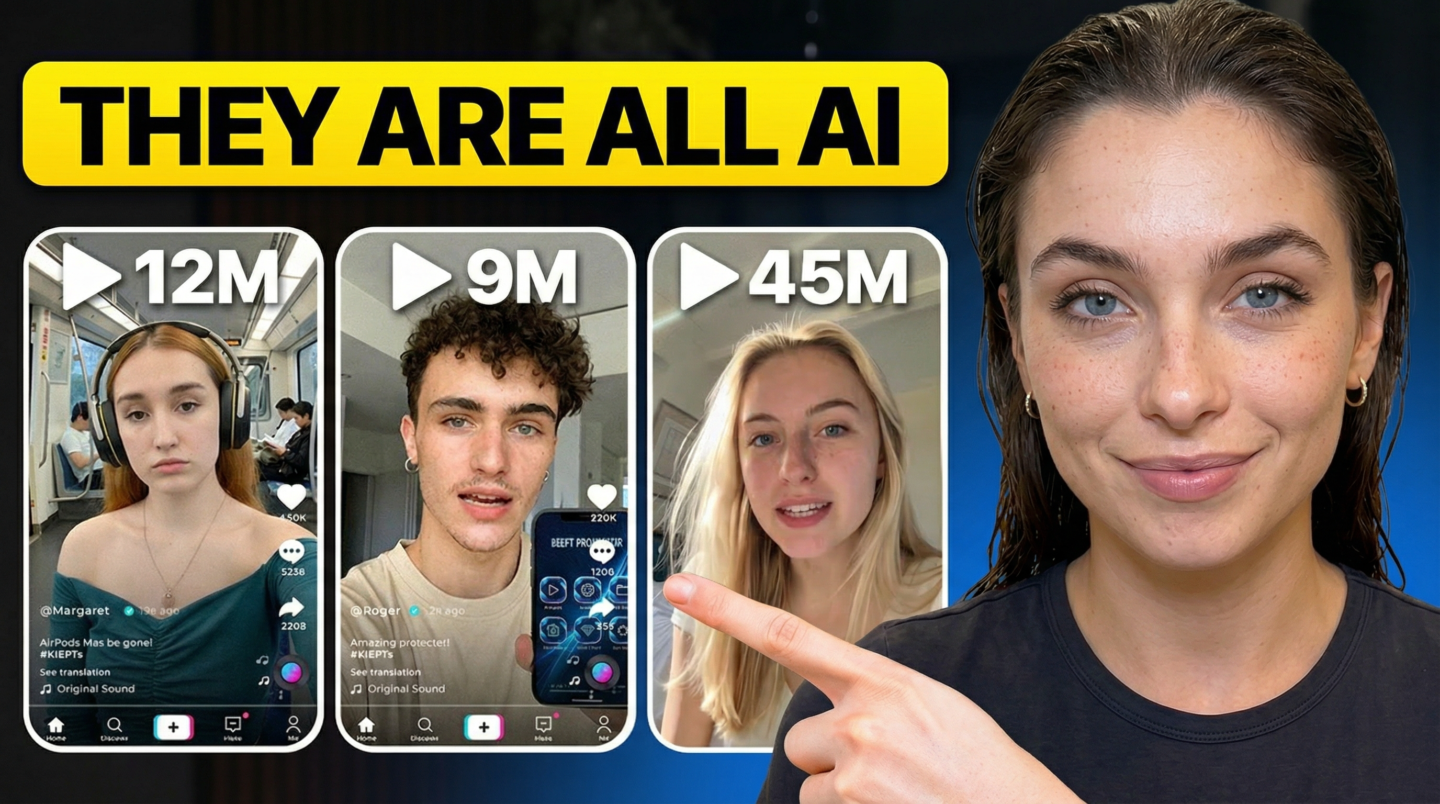
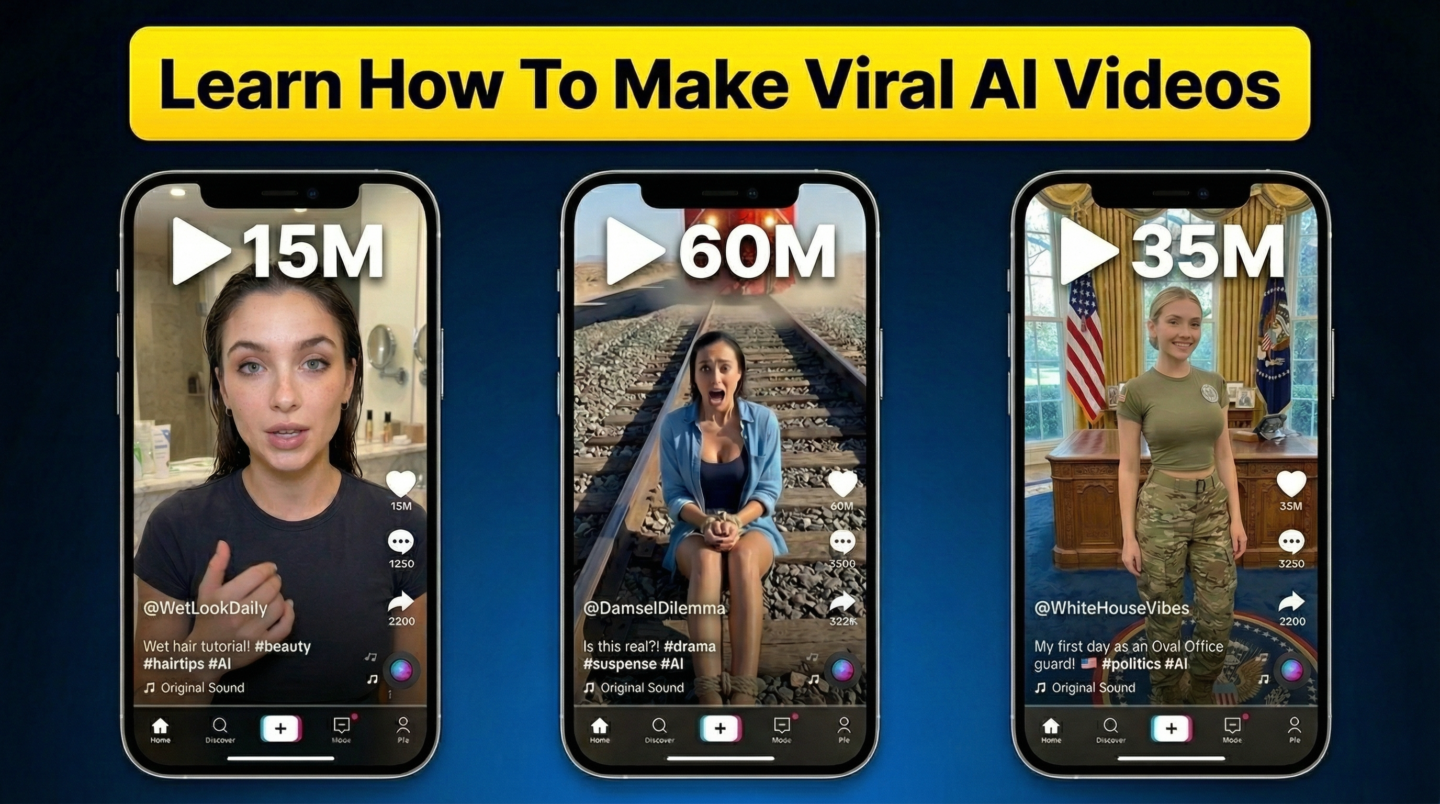
These examples show the kind of social-first AI video packaging we teach: strong hook, clear promise, believable format, and a thumbnail that earns the click.
AI video moves too fast to learn alone. Inside AI Video Club, you follow a structured path, post your work, get practical critique, collect prompt patterns, and see what other creators are testing right now.
Practice with avatar explainers, cinematic prompts, AI ads, product clips, hooks, storyboards, and edits.
Post your work and learn what to fix: prompt, source image, motion, edit, sound, offer, pacing, or platform fit.
Stay current as HeyGen, Higgsfield, Runway, Kling, Pika, and editing workflows change.
Turn AI video into UGC-style ads, founder content, faceless channels, product demos, and client packages.
Instead of saving 100 videos and finishing nothing, you make one complete AI video workflow in public and get better with each pass.
The roadmap is built around outcomes, not tool hype. Learn the tools, practice the prompts, finish the edit, and understand how to sell the result.
Understand models, aspect ratios, shots, prompts, image-to-video, text-to-video, editing, and quality control.
Build presenter videos, onboarding clips, multilingual explainers, sales videos, and avatar content that still feels human.
Learn camera movement, shot language, mood, subject control, and repeatable prompt structures for cinematic AI videos.
Write hooks, generate scenes, create product demos, assemble variations, and measure what improves performance.
Turn raw generations into finished content with pacing, captions, voice, music, sound effects, and platform-specific exports.
Scope projects, price packages, collect briefs, manage revisions, deliver files, and build a portfolio that sells the next job.
HeyGen is strong for avatar-led explainers and multilingual presenter content. Higgsfield-style workflows are useful for cinematic shots and social-first motion. Other tools fill in generation, editing, audio, captions, and repurposing.
These articles are built to target high-intent learning searches while giving readers useful workflows immediately.
A practical guide to choosing a real learning path for AI video creation.
Skool GrowthPricing, retention, ad cost, and what growth boost teaches creators.
HiggsfieldWhere to learn Higgsfield prompts, camera motion, AI ads, and feedback loops.
Beginner GuideThe first 30 days of prompts, tools, editing, and practice projects.
HeyGenHow to plan, script, record, and publish avatar videos that feel polished.
ComparisonA decision guide for avatar video tools and use cases.
HiggsfieldHow to think about cinematic AI clips, shots, and prompt structure.
PromptsReusable prompt frameworks for motion, camera, lighting, and mood.
Kie.aiModel testing, API thinking, Seedance access, and production workflows.
Seedance 2.0Prompting, image-to-video, AI ads, ecommerce clips, and safe practice.
ToolsWhich tools to use for avatars, cinematic clips, ads, editing, and audio.
AI AdsHooks, scripts, UGC-style clips, product b-roll, and creative testing.
AI Ecom AdsProduct demos, lifestyle scenes, ecom hooks, and ad variation workflows.
MonetizationServices, packages, pricing, and portfolio ideas for AI video creators.
PromptingA practical system for prompts that improve subject, motion, and style.
CommunityHow critique, updates, and peers shorten the learning curve.
HiggsfieldA beginner-friendly workflow for cinematic prompts and social motion.
HeyGenAvatar video education for explainers, onboarding, and sales clips.
RunwayText-to-video, image-to-video, b-roll, and editing workflows.
KlingPrompting, motion control, product clips, and cinematic practice.
PikaShort AI clips, creative tests, social hooks, and fast experiments.
CourseSource images, animation prompts, camera movement, and editing.
EducationThe structured way to learn tools, prompts, editing, and feedback.
CourseWhat to look for before joining an AI video learning community.
PromptsPrompting frameworks for better motion, lighting, and shot clarity.
MarketingAI ads, UGC-style clips, product demos, and creative testing.
Launch access is handled through Skool. Open the community page to see the current membership details, onboarding path, and first project brief.
No. The roadmap starts with beginner-friendly projects and builds toward more advanced AI video production, editing, and client delivery.
Yes. HeyGen is covered for avatar-led training videos, founder content, multilingual clips, product explainers, and sales enablement videos.
Yes. The Higgsfield track focuses on cinematic prompt structure, camera movement, subject control, lighting, and social-first video ideas.
Yes, but only if the output solves a business problem. The club teaches packages such as product demos, avatar explainers, short ads, founder clips, and content repurposing.